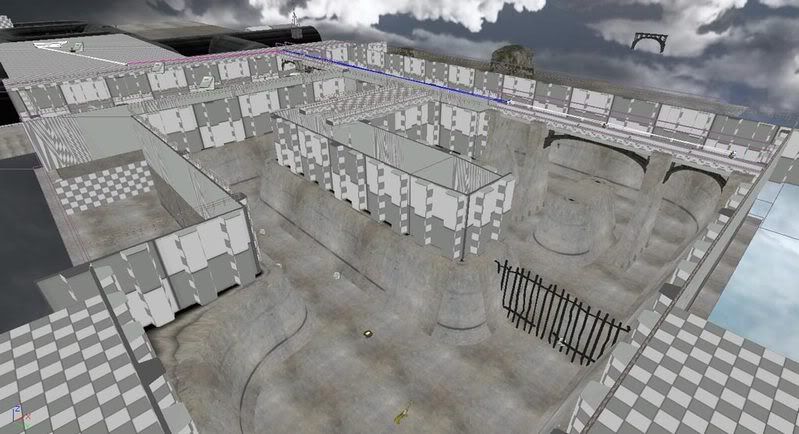
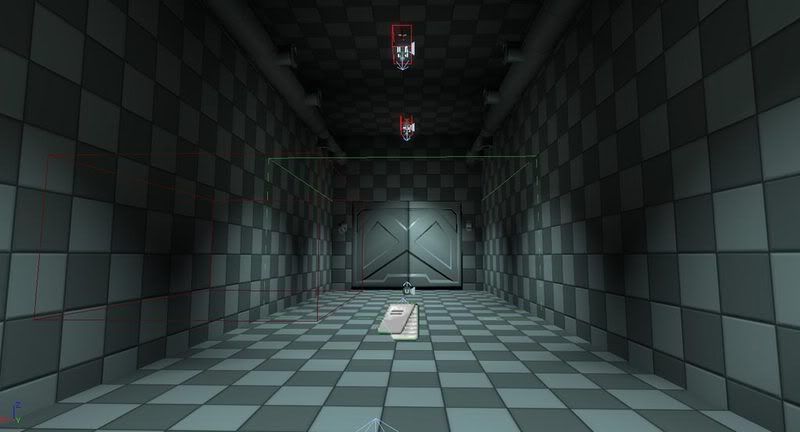
Wednesday, December 31, 2008

Readings

I've been reading more, lately, and have been particularly interested in the science of business and how to improve my leadership skills. I've already noticed an improvement in my understanding of business and it's more interesting than I might have originally guessed. Here are the books I'm enjoying:


Sun Tzu: Art of War (History and Warfare), by Tzu Sun, Ralph D Sawyer
-Good for understanding Chinese history, also, a good book in general in dealing with business. The lessons can further be applied to game mechanics (and not only those that pertain to war).


Blink: The Power of Thinking Without Thinking, by Malcolm Gladwell
-Deals with how people make assumptions and the subconscious mind. This book is great for level designers, since a lot of the time the level designer is trying to gently "push" the player in the right direction, without actually telling them what to do.


Good to Great: Why Some Companies Make the Leap... and Others Don't, by Jim Collins
-Interesting book comparing similar start-up companies and analyzing how the successful counterparts were able to achieve their success. This book is inspiring in that it seems that the most successful businesses are the honest and hard working ones.


The 7 Habits of Highly Effective People, by Steven R. Covey
-A Life-changing book (if used correctly) that provokes the reader to become a more active and how to work well with others. My personal favorite.

I didn't used to be much of a reader, but enjoy learning, and I will continue to read more books that will help contribute to my overall understanding of how the world works. Also, a lot of this information can be indirectly applied to video games. As Sun-tzu said: "One who speaks deferentially but increases his preparations will advance. One who speaks belligerently and advances hastily will retreat."

Tuesday, December 16, 2008

Update 4

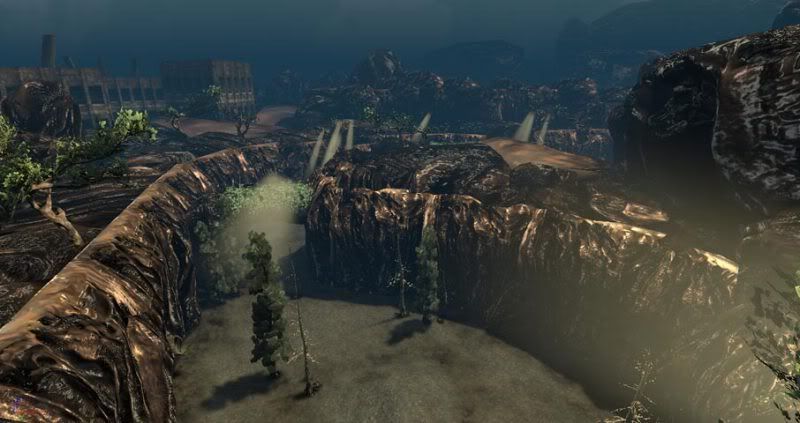
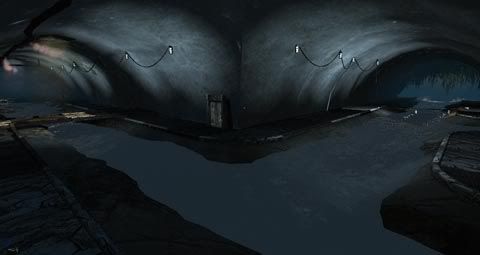
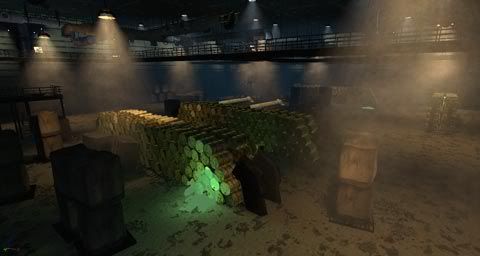
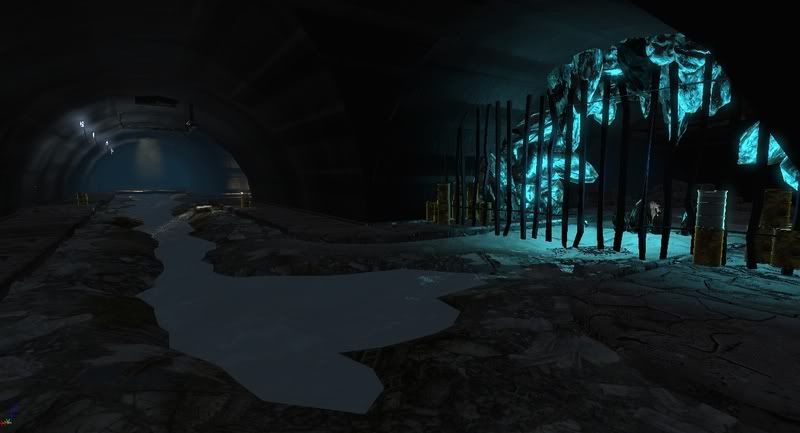
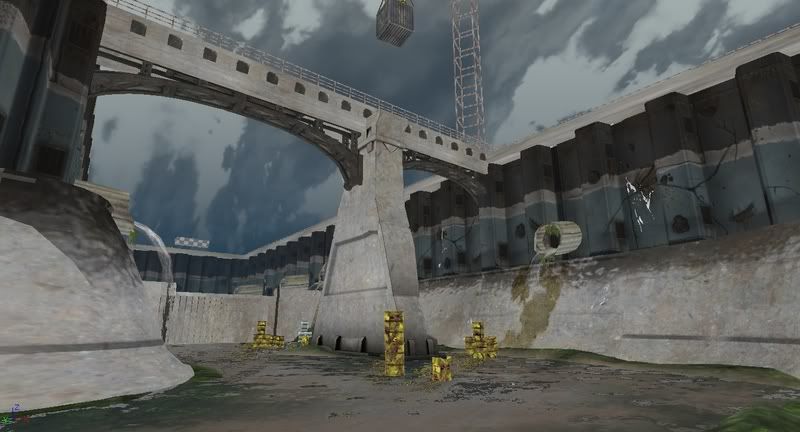
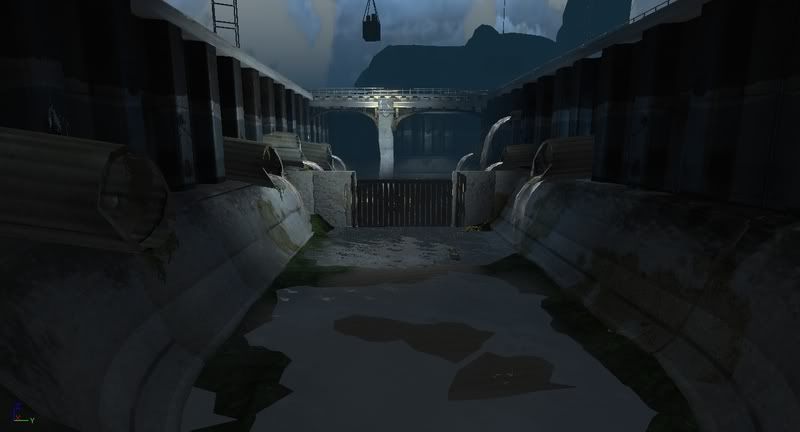
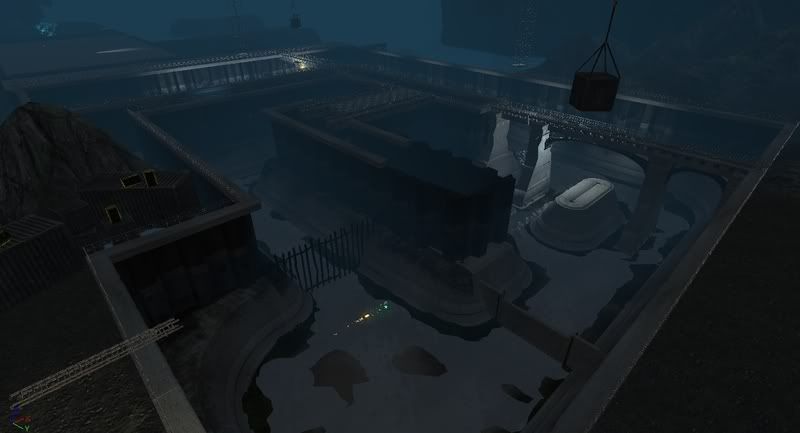
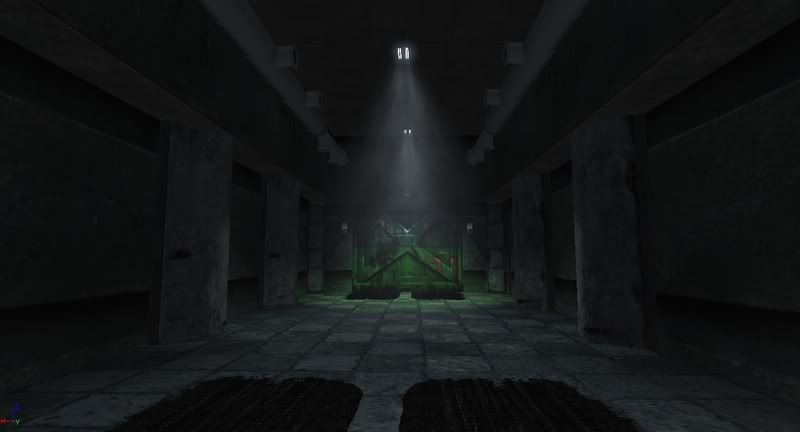
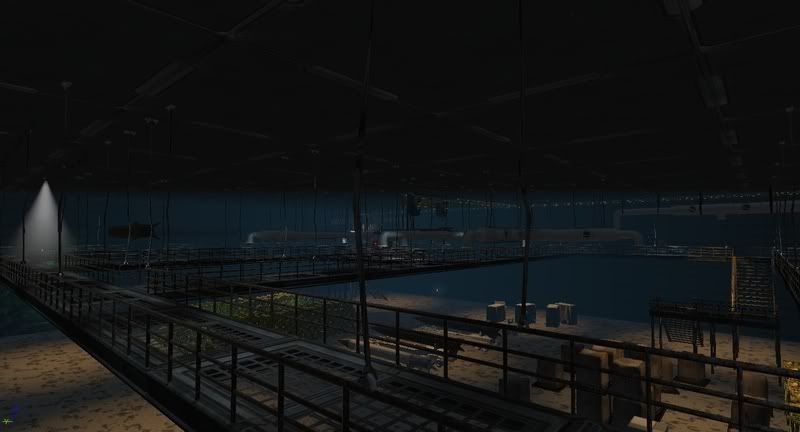
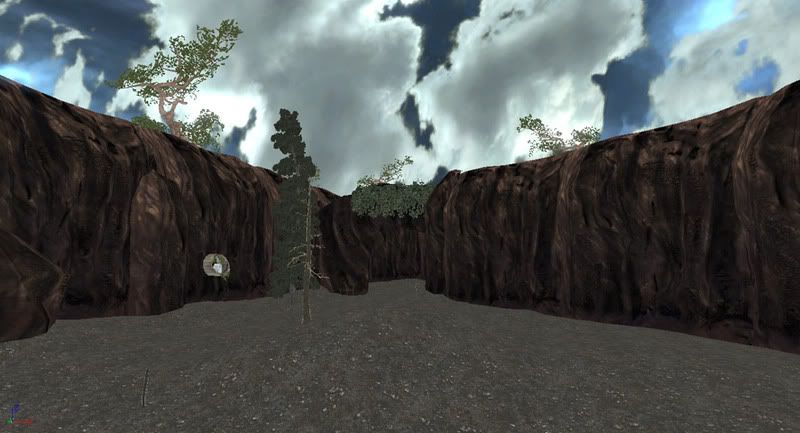
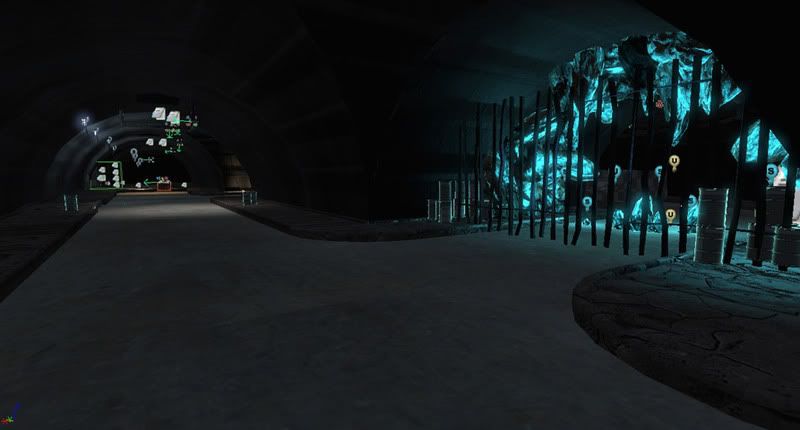
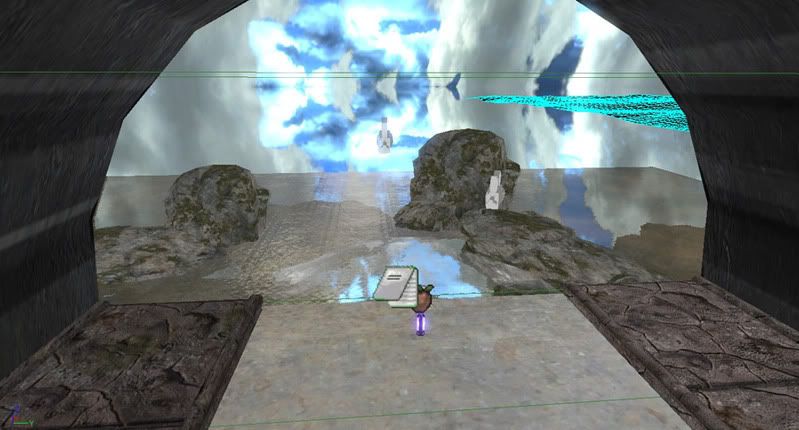
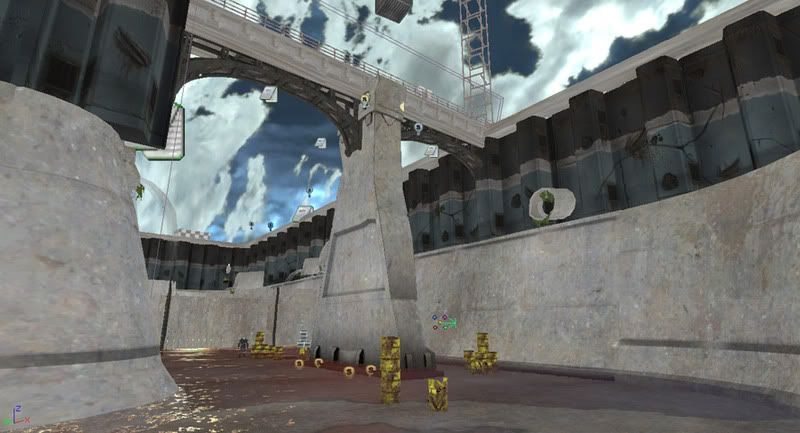
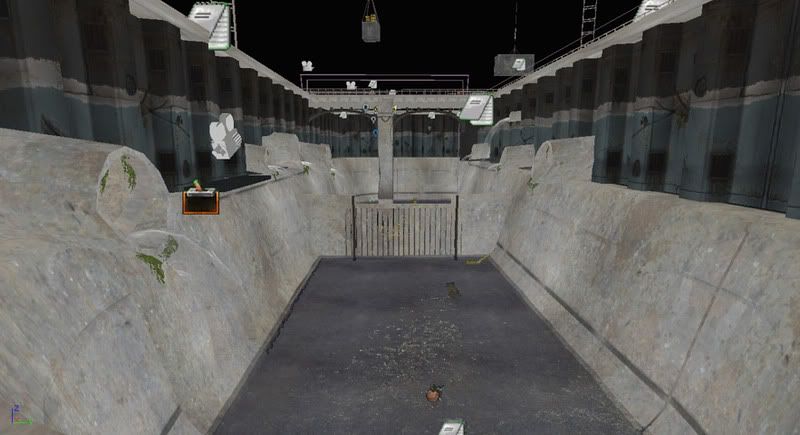
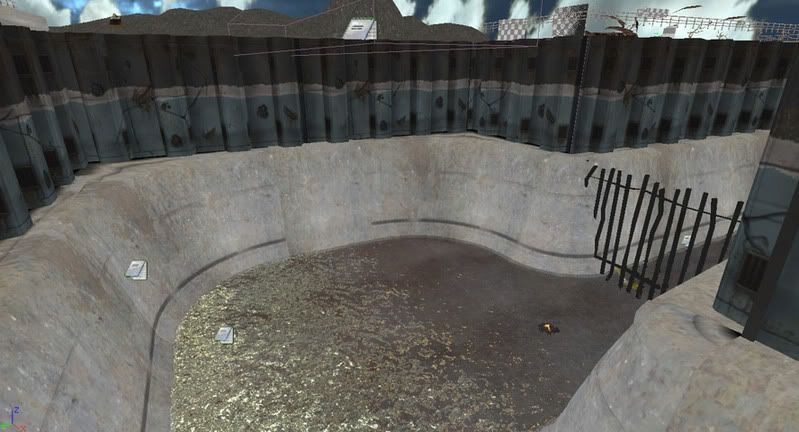
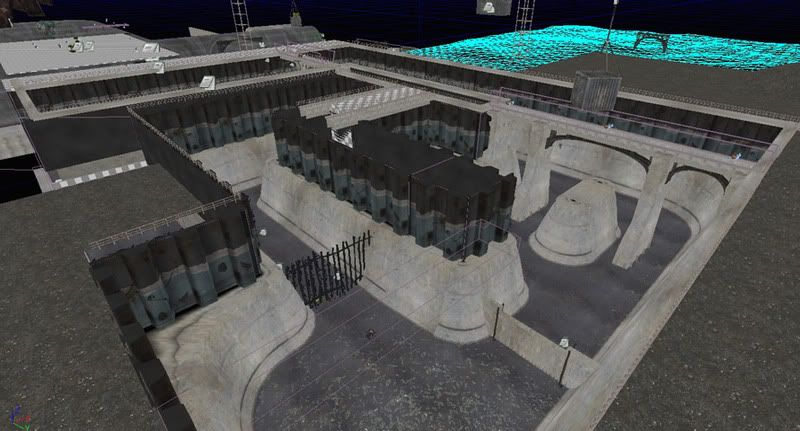
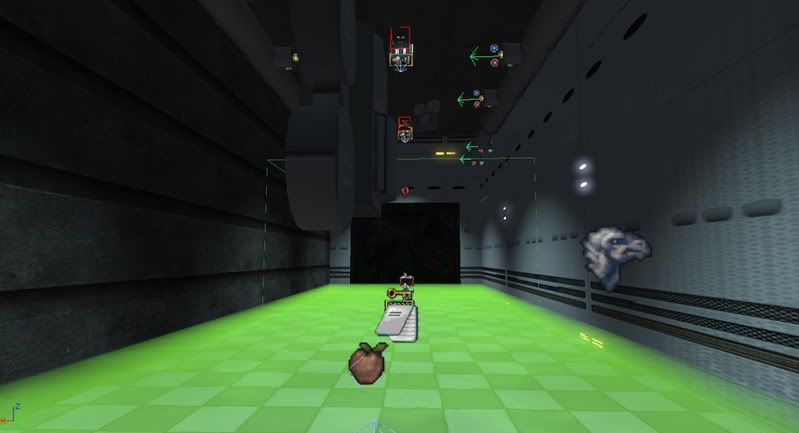
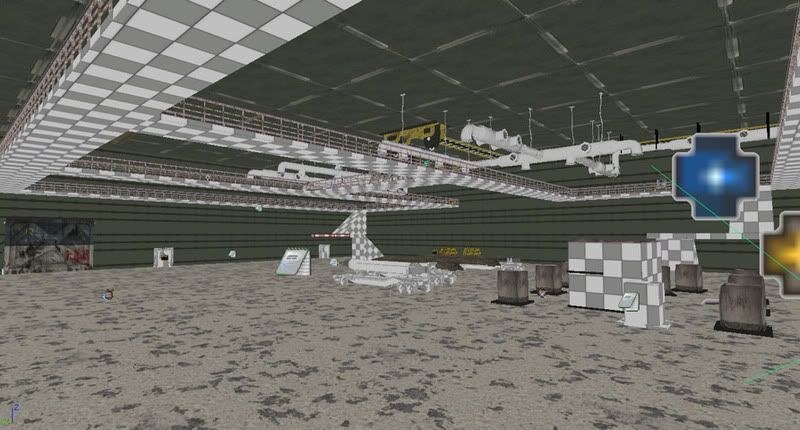
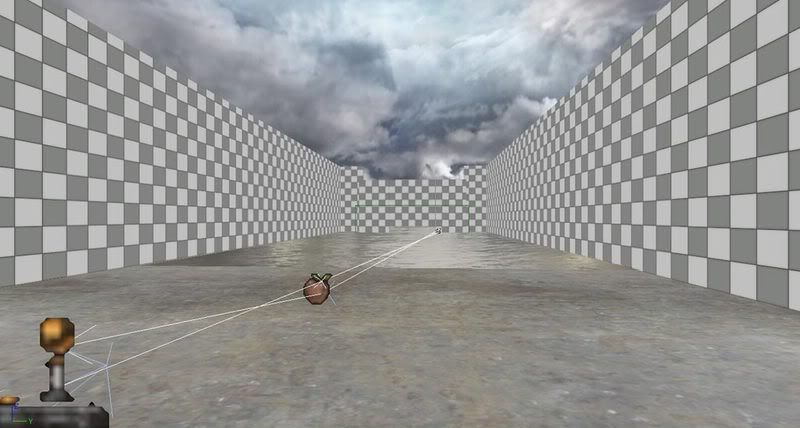
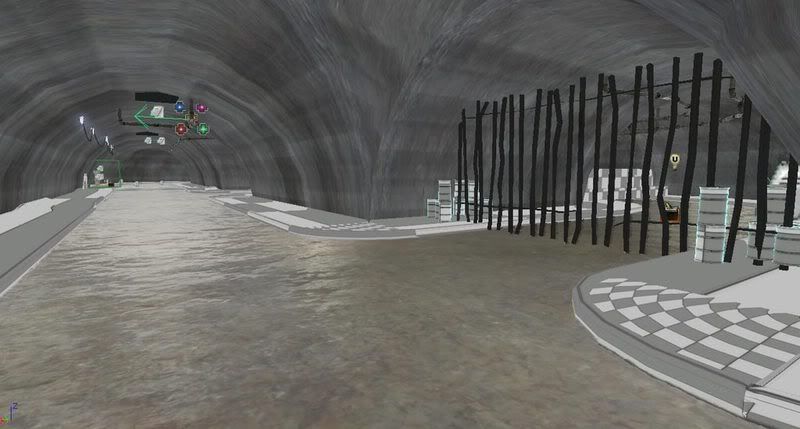
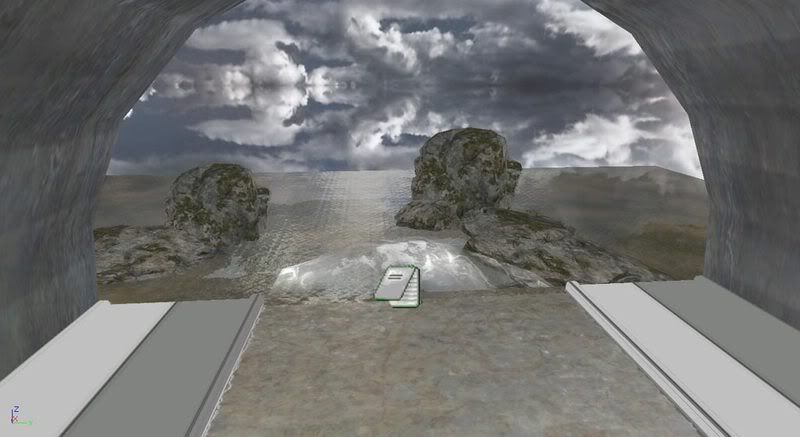
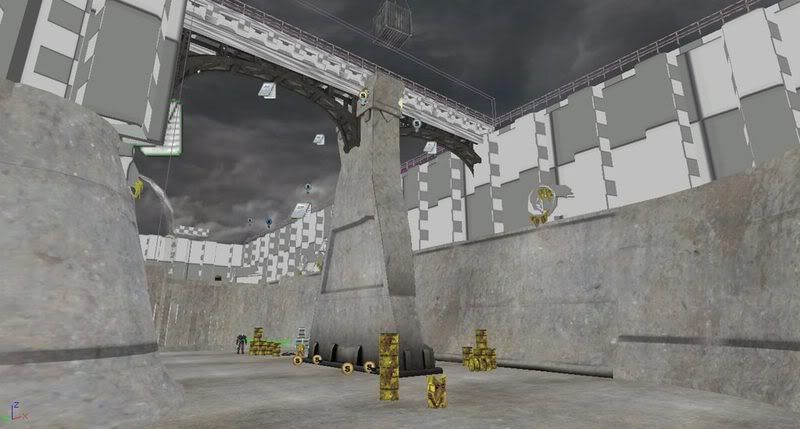
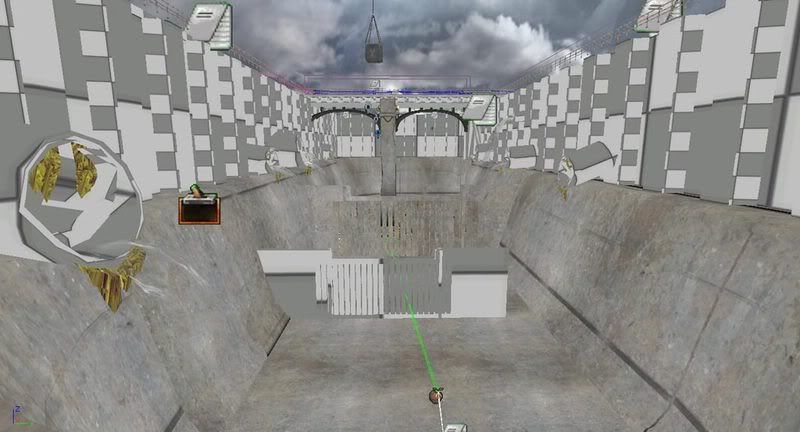
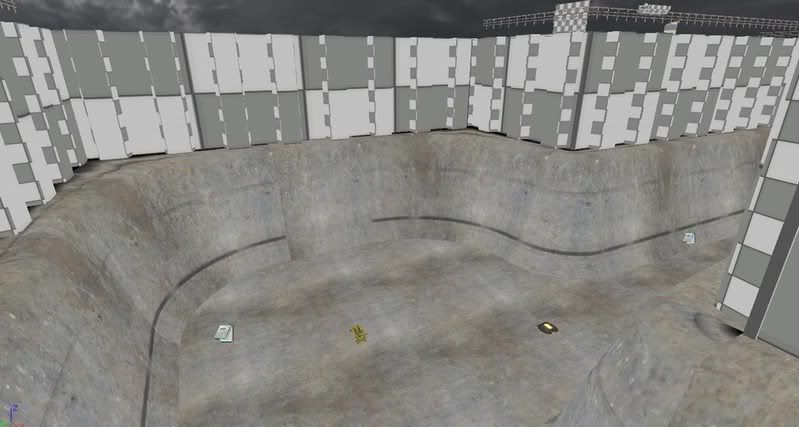
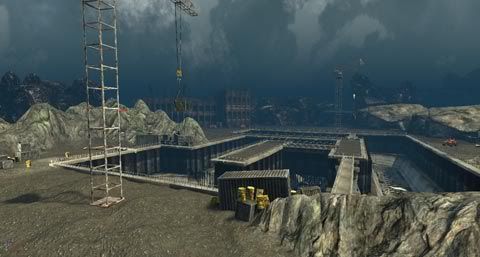
Although it's been a little while since my last update, I have decided to post my current progress for the MAD mod; I have been simultaneously working on a WWII bomber project and figuring out how to import animations for the German plane model I created. As far as the MAD level, I have been refining anything I could think of that required touching up (in both art and design). I added to the AI so that it can follow the player and then go back to its original patrolling path; the AI script is also more modular now, making it easier to quickly add a new bot to the level by changing four simple variables. I've been working a little bit with creating a logo and having a key icon on the UI when the player picks up a key item. I was noticing that a lot of my textures were skewed on some of my models, so I went ahead and re uv-mapped them. The nuclear base didn't have enough contrast in lighting so I toned down the skylight in my level to almost unnoticeable, and added more dim ambient lights in that area to give it more interest. There also wasn't enough obstacles for the player to duck behind or to occlude the rest of the meshes in that area, so I repeated a lot more of the crate and palette meshes I had going. After lots of research, I've concluded that it will probably require custom Uscripts to import a custom character skeletal mesh as a bot, so I've decided to leave the bots as the default spawners (I've been learning so much already: animation, importing meshes, scripting in kismet, particles, etc.); I feel that if I go into Uscripting it will distract my efforts to what I value the most, which is working on levels and assets. Here are some screenshots of my current progress (I am planning on realeasing the level within the next week):


Monday, November 17, 2008

Update 3

A lot of long and fun hours going into trying to finish this level. I have added a lot of sounds and replaced a lot of the ground BSP with terrain, since they are not so flat and can have layered textures. I have also been re-recording voice sounds (because the old ones sounded too much like a robot reading from a script) and have finally figured out how to get sounds to do what I want them to in Audacity. I have also been adding consistency details all around and making the space more visually appealing (I had put this off because I wanted to have scripting finished first, but scripting was taking more time than expected so I had to juggle both). I mostly have all the scripted events done for now, and all of the AI and matinees are working nicely. There is still a problem trying to make a custom ladder work with matinee instead of a ladderVolume (which doesn't work unless pointing north). Here are some newer screens of what I've accomplished. Note that lighting has still yet to be built -- also, I haven't added new screens of areas that weren't much affected since last update.


(I'm still deciding whether I like the outdoor environment to be at night or during the day. I think I'm going to stick with my original plan, though, and make it early morning/light outside).

Sunday, November 9, 2008

WIP Update 2 (MAD)

Second update. Yay! There has been a lot added to the level, but most of it may not be visible in the screenshots -- as most of the work was done in scripting the events for the majority of the level. A couple of days ago I was able to jump into texturing, and the process is so different from scripting that it feels weird to go back and forth between the two. I like it though, because it provides me with more variety and makes each day a new challenge with unexpected results. As far as the AI, I have a more solid system now for evasion time; I originally went with a delay and the bot would go back to its default patrol -- but the delay fired every time the sequence was activated, so they wouldn't be actively pursuing the player for long. To deal with this, I have a variable that stores an incrementing counter value. When the player is spotted, the counter is set back to zero: to prevent the bot from going back on patrol prematurely. Once the player is not found anymore, the counter is able to finish its routine and then the bot is able to return to it's default action. This was a major breakthrough for me, as it was frustrating not having the bot stay on alert when the player is standing right in front of them.
Another major feature I added today is sort of a time-based puzzle. The player has a set of switches, and each subsequent switch can only be pressed if the previous one in the sequence is opened. This way, the player has to play sort of a game of "Simon" where they have to follow the lights and touch them in a certain amount of time. To add more dynamism and support the narrative of a nuclear reconnaissance operation, I thought it would be interesting if the player were to jump on a moving nuclear missile while it is being transported from one room to the next. I initially had nukes moving in the room just for aesthetic and dynamic reasons, but now they play a crucial part in the gameplay and it's actually really fun!
There is so much more to talk about but all will be said in the finished product. For now, here are the screenshots of my current progress:


Thursday, November 6, 2008

Transfer Maps and Parralax Mapping

I've been doing research on making good normal maps for a texture, instead of the default of taking the color map into a normal application like CrazyBump and playing with the settings. What I have been doing is taking my low-poly game mesh and importing it into Zbrush, where I assign the diffuse to the object and paint detail over noticeable deformations. Then, I'll import the high poly and low poly model into Maya and go to Lighting/Rendering>Transfer Maps. This achieves a much more fine-tuned normal map, instead of having random deformations on the surface if they're not supposed to be there (ex: a stain wouldn't cause the normal map to project from the surface, like what would happen in CrazyBump).

Also, another feature in Unreal 3 is the ability to create a parallax map: a combination of a normal map and a faked height map. I have played around with this, and it seems that the more subtle the offset the better, as details start overlapping and crawling over each other if the amount is too drastic.

I truly enjoy modeling and texturing, and now I'm even more exciting to achieve more convincing results in my textures!

Thursday, October 23, 2008

WIP Update 1 (MAD)

I've been doing a lot of custom scripting in Unreal Kismet and trying to learn a lot on my own. So far, I have fleshed out the basis for what will be the sewer and canals areas. I have setup a general AI for an enemy soldier which I have already used in more than one occasion. I have also decided to make a friendly NPC, at the first of the level -- when the player is defenseless -- to break the monotony of shooting. For example, I have a simple quest where the player meets a bot and the bot informs them that they have lost their key in the sewer and will help the player find a gun if they return the key. Once the key is returned, the npc moves to the location of the door, and unlocked sound it played, the lock actor is destroyed, and matinee moves the door open. Then, the trigger is teleported inside of the storage room, and the will be activated to cue a new voice clip from the npc. Staying on schedule, I am supposed to have all the modeling finished by tomorrow. I keep adding new ideas, though, and models pretty much come up needed. I plan to start doing some heavy texturing in the following weeks, while still adding more bots for the player to interact with. I have scaled the project in half, and the level will end when the player gets into the elevator to the next area. Here are screenshots of my current progress:


Tuesday, October 7, 2008

Single Player Level in Unreal

I've been working on an AI system for Unreal using kismet. So far, I have come up with the idea to attach a trigger to the bot's head joint, which is acting as their range of view. If the player is within the trigger's collision range, the bot will move toward the player. Since the bots run so fast, I have the bot pause for a second, and then they will fire at the player. If the player is still within the range of the trigger after the bot has paused, the bot will again follow the player and loop again. If the bot doesn't see the player again, the bot will then return to their patrol (this part still needs work in order for the bot to find his original path, since they will not go around blocking meshes or BSP). As far as I know, this is a completely new way to make single player AI in Unreal and I am excited to add it to my new level.